How to Localize a YouTube Script Into Regional Indian Languages (Not Just Translate It, 2026)
Literal translation kills your jokes, idioms, and rhythm. Here's the localize-don't-translate workflow for taking one YouTube script into Hindi, Tamil, and more — plus multi-audio tracks.
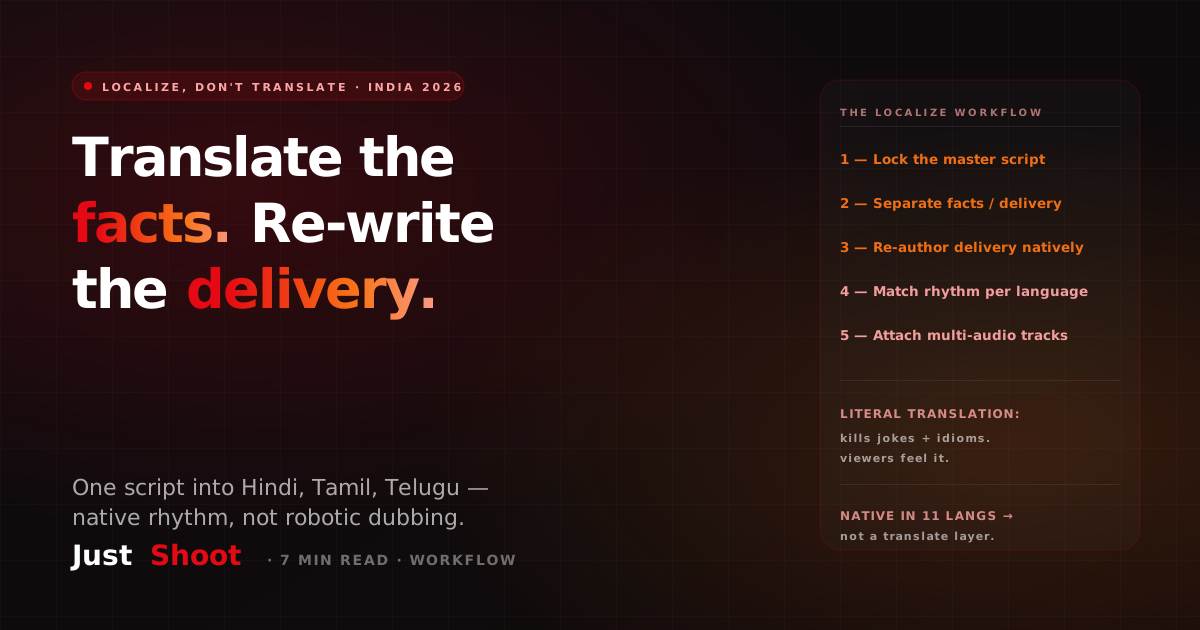
How to Localize a YouTube Script Into Regional Indian Languages (Not Just Translate It, 2026)
By Ashok Sachdev, Founder of JustShoot · Published 2026-06-28
Short answer: To grow one YouTube video into multiple Indian-language audiences, you localize the script — you don't translate it word-for-word. Localizing means rewriting the jokes, idioms, examples, and rhythm so they land natively in Hindi, Tamil, Telugu, or Marathi, then attaching each version as a multi-audio track on the same video. A literal Google-Translate pass keeps the meaning but loses the soul — the punchline that worked in Hindi falls flat in Tamil because the idiom doesn't exist. The rule: translate the information, re-write the delivery.
Why literal translation kills your script
Most creators reach for translation when they want to go multi-language. They paste the Hindi script into a translator, get a Tamil version, hand it to a voice artist, and wonder why retention craters. The reason is simple: a script is not just information — it's timing, idiom, cultural reference, and rhythm. Those don't survive a literal swap.
Three things break every time you translate instead of localize:
- Idioms and jokes. "Doodh ka doodh, paani ka paani" has no clean Tamil equivalent. Translate it literally and a Tamil viewer hears nonsense where a Hindi viewer heard a punchline.
- Examples and references. A cricket analogy that lands in a Hindi-belt audience may need a film or local-culture reference to hit the same way in a Tamil or Bengali audience.
- Sentence rhythm. Hindi and Hinglish carry a different cadence than Tamil or Malayalam. A sentence that breathes well in one language feels rushed or clunky when its structure is forced onto another.
The result is the "robotic dubbed" feel viewers instantly distrust. They can't always name what's wrong, but they click away. (We unpack why machine-generated scripts sound off in why AI YouTube scripts sound robotic.)
The localize-don't-translate rule
Here's the mental model that keeps every language version alive:
Translate the facts. Re-write the delivery.
The facts — the data, the steps, the core argument — stay identical across every language. The delivery — the hook, the analogy, the joke, the call-to-action phrasing, the sentence length — gets re-authored natively for each audience. You're not asking "what's the Tamil word for this sentence?" You're asking "how would a native Tamil creator say this idea to a Tamil audience?"
This is also the difference between a dub and a native script. Dubbing tools (and most translation passes) are fundamentally answering the first question. Writing natively answers the second. If you want the deeper take on native-vs-dubbed, see can AI write YouTube scripts in regional Indian languages.
The 5-step localization workflow
Here's the repeatable workflow to take one finished script into multiple Indian languages without the robotic feel.
Step 1 — Lock the master script first
Finalize one language as your master (usually Hindi or English-Hinglish). Get the hook, structure, and pacing right before you localize. Localizing a weak script just multiplies a weak script. The master is your single source of truth for facts and structure.
Step 2 — Separate facts from delivery
Go through the master and mentally tag two layers: the facts (numbers, steps, claims — these are fixed) and the delivery (hook, jokes, idioms, analogies, CTA wording — these are flexible). Only the delivery layer gets re-authored per language.
Step 3 — Re-author the delivery natively, language by language
For each target language, rewrite the hook and the analogies the way a native speaker of that language would. Replace untranslatable idioms with equivalent native ones. Swap examples if a local reference lands harder. Keep the facts intact. This is the step that separates a real localization from a translation — and it's where most channels cut corners and pay for it in retention.
Step 4 — Match the rhythm to the language
Read each version aloud (or have your voice artist do a verbal run). Tamil and Telugu often need different sentence lengths than Hindi to feel natural. Trim or restructure so each version breathes in its own language, not in the master's.
Step 5 — Attach as multi-audio tracks
YouTube's multi-language audio feature lets you upload several audio tracks to a single video, so one upload serves every language audience and keeps all your watch-time, likes, and comments consolidated on one video instead of fragmenting across re-uploads. Localize the script per language → record each → attach as audio tracks. (This is exactly why localizing the script matters: the multi-audio feature is only as good as the words on each track.)
A worked example: Hindi → Tamil
Take a finance-channel line. The master Hindi script says, roughly: "Paisa ped pe nahi ugta — lekin SIP usse kareeb le aata hai." ("Money doesn't grow on trees — but an SIP gets you close.")
- Literal translation to Tamil: the "money on trees" idiom translates word-for-word into something a Tamil viewer has never heard phrased that way. The line lands awkwardly.
- Localized to Tamil: you keep the fact (SIPs build wealth steadily) but swap the idiom for one a Tamil audience uses naturally, and you adjust the sentence rhythm to Tamil cadence. The viewer hears a native creator, not a translated one.
Same fact. Different delivery. That's the entire game.
Where JustShoot fits
JustShoot writes natively across 11 Indian languages — it's not a translation layer bolted onto a Hindi script. Because it holds your channel's Tone Fingerprint — your hook style, rhythm, and blend ratio — it re-authors the delivery for each language while keeping your facts and structure locked, instead of running a literal translate pass. That's the difference between a script that reads like a local creator wrote it and one that reads like a machine translated it.
As an AI Content OS for YouTube, it produces the per-language scripts inside the same voice-locked pipeline that plans your storyboard, thumbnail, and SEO — so the localization isn't a disconnected afterthought.
What it costs
JustShoot pricing is script-count based — not credits, no rollover, GST-inclusive, monthly only:
- Trial — ₹0 for 7 days, 2 scripts total, no card.
- Starter — ₹499/mo, 3 scripts/month.
- Creator — ₹999/mo, 4 scripts/month (most popular).
- Studio — custom (talk to us).
Every plan includes the full 9-agent pipeline across all 11 languages — plans differ only in how many scripts per month, not in features.
Localize your next script the right way
Before you re-upload the same video in three languages, check whether your script keeps its native rhythm in each one:
→ Check your Hinglish / language blend ratio — see whether your script reads native or translated, language by language, before you record.
FAQ
What's the difference between translating and localizing a YouTube script? Translation swaps words from one language to another while keeping the same structure. Localization re-writes the delivery — jokes, idioms, examples, and rhythm — so the script feels native to each audience, while keeping the underlying facts identical. Translation preserves meaning; localization preserves impact. For YouTube retention, you need localization.
Can I just use Google Translate or an AI dubbing tool for regional languages? You can, but it shows. Dubbing and literal translation keep the information but lose the idioms, timing, and cultural references that make a script land. Viewers feel the "translated" stiffness and click away. Use translation for a rough draft, then re-author the delivery natively for each language.
How do multi-language audio tracks work on YouTube? YouTube lets you attach multiple audio tracks to a single video, so viewers hear it in their preferred language without you re-uploading. This consolidates watch-time and engagement on one video. The catch: each track needs a properly localized script, not a literal translation, or the native rhythm breaks.
Which Indian languages should I localize into first? Start with the languages where your analytics already show audience demand or where the topic has clear regional pull. Hindi and Tamil are common high-volume starting points, followed by Telugu, Marathi, and Bengali. Localize one extra language well before adding three poorly.
Does JustShoot translate or write natively? JustShoot writes natively across 11 Indian languages rather than translating a master script. It holds your channel's Tone Fingerprint and re-authors each language's delivery while keeping facts and structure locked — so each version reads like a native creator wrote it, not like a translation.
JustShoot is an AI Content OS for Indian YouTube creators — voice-locked scripts across 11 languages, inside one 9-agent pipeline. See how it works.
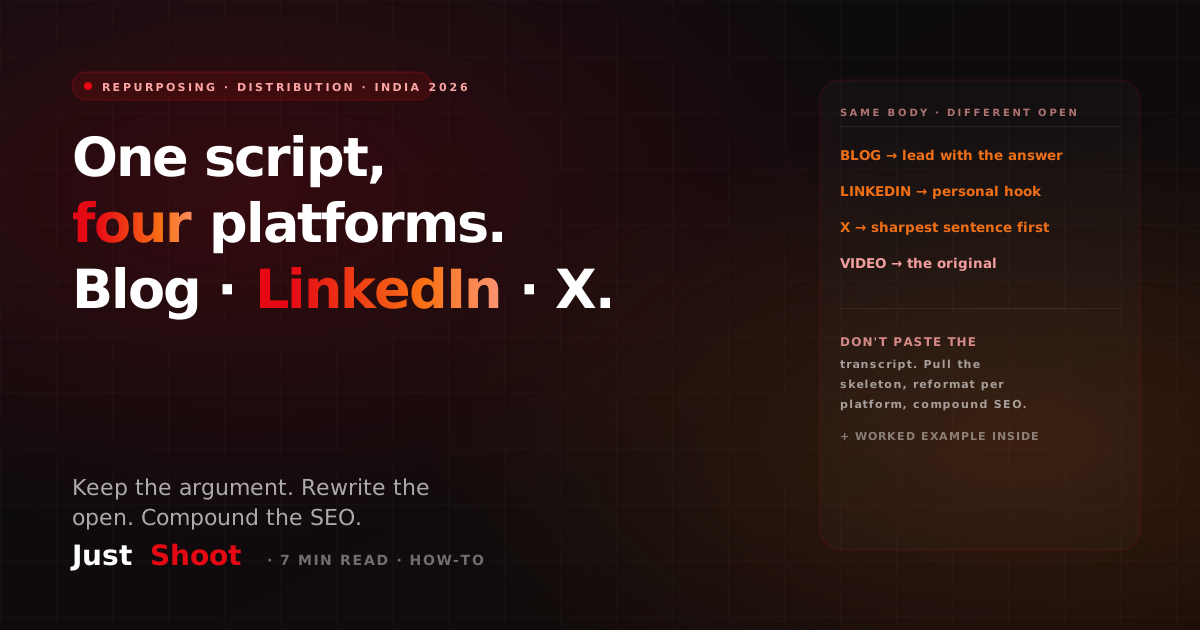
Repurpose One YouTube Script Into a Blog, LinkedIn Post & X Thread (India, 2026)
Turn one YouTube script into a blog post, a LinkedIn carousel and an X thread — the restructure method, why each platform needs its own open, and the SEO compounding effect, with examples.
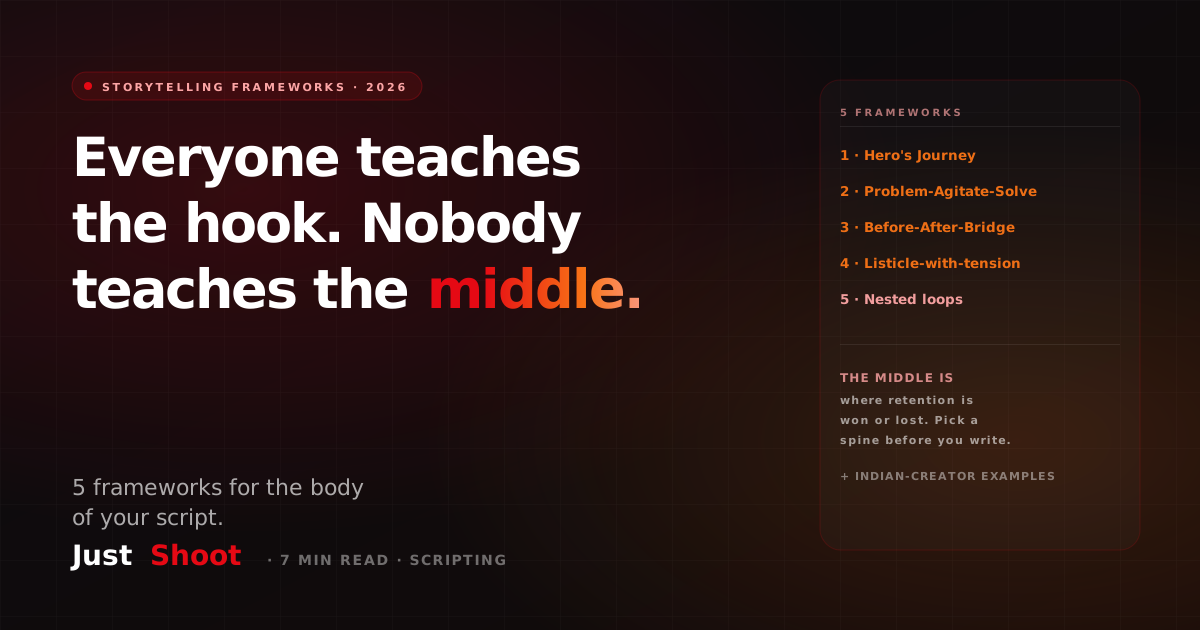
5 YouTube Storytelling Frameworks for Scripts (India, 2026)
Everyone teaches the hook; nobody teaches the middle. 5 proven storytelling frameworks for the body of your YouTube script, with Indian-creator examples and which niche each suits.
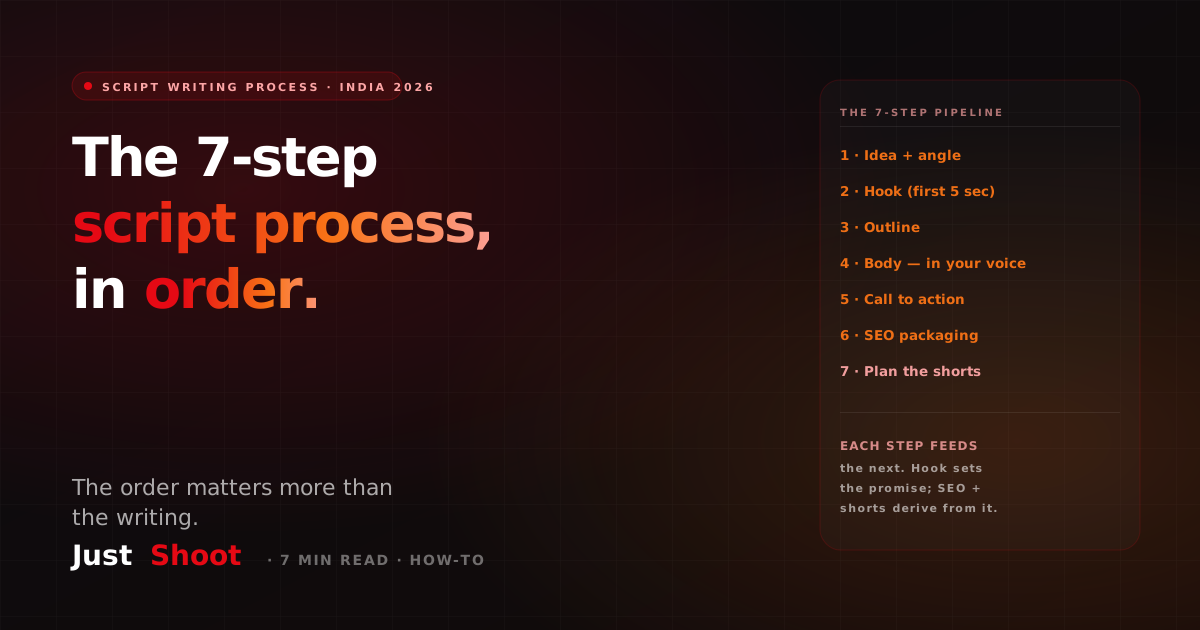
YouTube Script Writing Process: A Step-by-Step Guide (India, 2026)
The full YouTube script writing process in 7 steps — idea, hook, outline, body, CTA, SEO, and shorts — for Indian creators in 2026. The pro pipeline, explained.