How to Write YouTube Descriptions & Tags with AI for SEO (India, 2026)
Write YouTube descriptions and tags with AI for SEO in 2026 — the first-150-character rule, chapters, tags-vs-hashtags, and India/Hinglish keyword sourcing that actually ranks.
How to Write YouTube Descriptions & Tags with AI for SEO (India, 2026)
By Ashok Sachdev, Founder of JustShoot · Published 2026-06-11
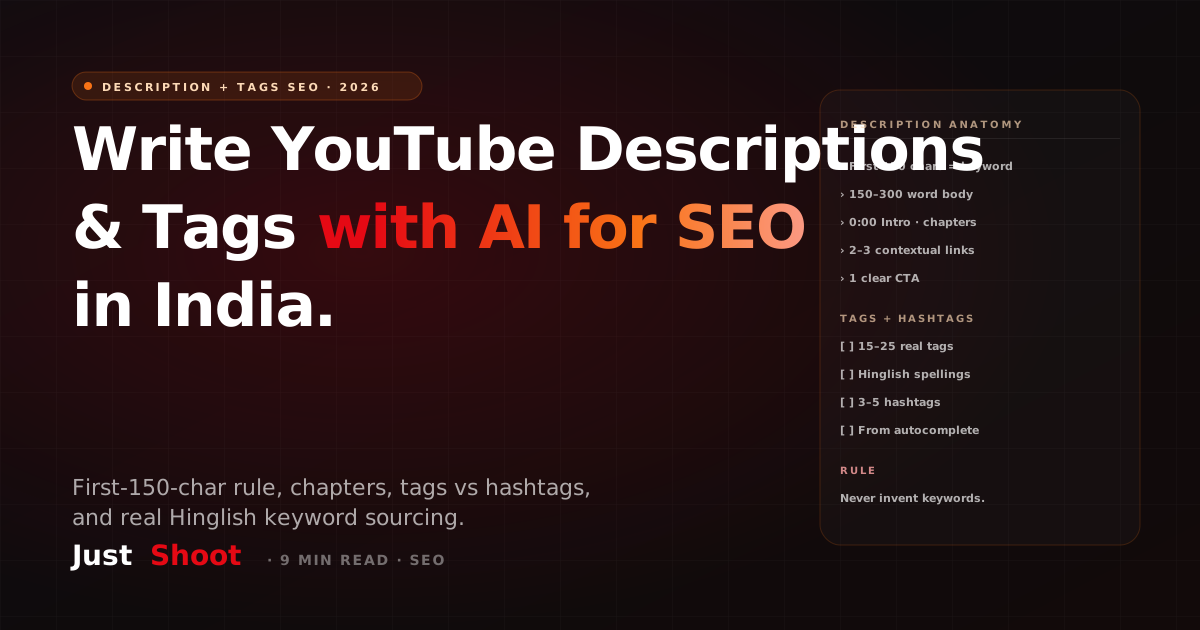
To write a YouTube description and tags with AI for SEO in 2026, put your main keyword in the first 150 characters of the description, add timestamped chapters and 2–3 contextual links, then generate 15–25 specific tags plus 3 hashtags — sourced from real India/Hinglish autocomplete, not invented. AI speeds this up; relevance still decides ranking.
That order matters. Most Indian creators treat the description box as an afterthought and stuff tags they hope will rank. YouTube has said for years that tags play only a "minimal role" in discovery, while the description is read by both the recommendation system and by viewers deciding whether to click. Below is the actual workflow — what to write, where AI helps, where it hurts, and how to source India-specific keywords so your metadata reflects how your audience actually searches.
If you just want the steps, skip to "How to write a YouTube description with AI." Everything before it is why this structure works.
Do descriptions and tags still matter for SEO in 2026?
Yes — but not equally. Here is the honest weighting as of 2026:
| Element | SEO weight | What it actually does |
|---|---|---|
| First 150 characters of description | High | Shown in search/suggested feed; primary text signal |
| Full description body | Medium | Context for recommendations, accessibility, links |
| Chapters/timestamps | Medium | Enables key-moments in search, improves watch-time |
| Tags | Low | Helps with spelling variants, niche/regional terms |
| Hashtags | Low | Adds 3 clickable tags above the title; aids discovery |
YouTube's own creator guidance states tags "play a minimal role" and matter mostly for commonly misspelled or regional terms — which, for Hindi/Hinglish creators, is genuinely useful. So you do not skip tags; you just stop over-investing in them. The leverage is in the description, the title, and the spoken content of the video itself.
How to write a YouTube description with AI
Follow these steps in order. The AI does the drafting; you supply the keyword intelligence and the final judgment.
- Lead with the keyword in the first 150 characters. This is the snippet YouTube surfaces in search and the suggested column. Write a natural sentence that states what the video is and includes the primary keyword once — no keyword stuffing. AI is good at producing 4–5 variants of this opening line; pick the one that reads like a human wrote it.
- Write a 150–300 word body that mirrors the script. Summarise what the viewer learns, in the same language blend as the video. AI can expand your bullet points into prose — but feed it your actual script so the description matches the content, which is what the recommendation system rewards.
- Add timestamped chapters. List
0:00 Intro, then each section with a real timestamp. Chapters unlock the "key moments" treatment in search and let viewers jump. AI can draft chapter titles from your script outline; you verify the timestamps against the final cut. - Add 2–3 contextual links and one CTA. Link to a related video, a resource, and your subscribe or lead page. Keep links below the fold of the first three lines.
- Source tags from real autocomplete, not the model's imagination. Type your topic into YouTube search and note the autocomplete suggestions — these are real queries. Add 15–25 tags: your exact title keyword, 2–3 close variants, your channel name, and the Hinglish/regional spellings your audience uses. Add 3 hashtags at the end. Never let AI invent tags for keywords nobody searches.
The single biggest AI mistake is letting the model fabricate keywords. A language model will happily generate fifty plausible-sounding tags, but plausible is not the same as searched. Always validate against YouTube autocomplete or a real keyword source before you publish.
Tags vs hashtags: what's the difference?
They look similar and do different jobs.
- Tags are hidden metadata inside the upload settings. Viewers never see them. They help YouTube match misspellings and regional/niche terms — relevant if your audience searches in Hinglish or Romanised Hindi (for example, "paise kaise kamaye" vs "how to earn money").
- Hashtags are public, clickable, and appear above your title (the first three) and inside the description. They add a small discovery surface and signal topic. Use 3–5 specific ones; YouTube ignores videos with more than 15 hashtags.
Rule of thumb: tags clean up spelling and language variants; hashtags add a visible topical link. Neither replaces a keyword-led title and description.
Sourcing India and Hinglish keywords
India-specific search behaviour breaks most global keyword tools, because a lot of intent is typed in Romanised Hindi or code-switched Hinglish that English-only tools never surface. Three reliable sources:
- YouTube autocomplete — type your topic and let the dropdown show you real, ranked queries. Do this in both English and Hinglish ("youtube seo" and "youtube seo kaise kare").
- Google Trends (India region) — compare a Hindi spelling against its English equivalent to see which your audience actually uses.
- Your own comments and search-traffic terms — YouTube Studio's traffic-source data shows the exact search phrases that already bring viewers; those belong in your tags.
This is where a script tool that already knows your channel earns its keep. Inside JustShoot's 9-agent pipeline, the SEO agent generates the title, description, chapters, and tags from the finished script and your channel's language blend — so the metadata matches the video and the way your audience searches, instead of being a detached widget you fill in by hand after upload. That is the practical difference between a generator that outputs generic English tags and one that writes India-aware metadata inside the package.
Want to check your current metadata?
Before you re-write everything, see where you actually stand. Run any of your videos through the free YouTube SEO Grader — it scores your title, description, and tag setup against the rules above and tells you the two or three fixes that will move the needle first. It takes about a minute and you get a prioritised list, not a vague score.
Pair good metadata with a script written in your own voice (see how to write a YouTube script in your own voice with AI) and an SEO-clean upload checklist (see the 2026 YouTube SEO checklist for Indian creators), and your descriptions stop being filler and start doing real discovery work.
The honest limits of AI here
AI is a speed tool, not a ranking shortcut. It will draft a clean description in seconds and suggest tag variants you would not have thought of. It will not — and cannot — make an irrelevant tag rank, invent search demand that does not exist, or rescue a video whose actual content does not match the query. The metadata's job is to accurately describe a video that already deserves to rank. Use AI to write that description faster and more consistently; keep a human deciding what is true.
FAQ
How many tags should a YouTube video have in 2026?
Around 15–25 specific, relevant tags. YouTube says tags play a minimal role, so quantity beyond that adds no value. Prioritise your exact title keyword, 2–3 close variants, your channel name, and the Hinglish or regional spellings your audience searches.
Where should the keyword go in a YouTube description?
In the first 150 characters. That opening snippet is what YouTube shows in search and the suggested-videos column, and it carries the most SEO weight. Write it as a natural sentence with the keyword once — never stuff it.
Do hashtags help YouTube SEO?
A little. Use 3–5 specific hashtags; the first three appear above your title as clickable links and add a small discovery surface. YouTube ignores videos that use more than 15 hashtags, so do not overdo it.
Can AI write YouTube tags and descriptions accurately?
AI can draft them quickly and well, but it will invent plausible-sounding keywords nobody searches. Always validate AI-suggested tags against real YouTube autocomplete or your Studio search-traffic data before publishing. Use AI for speed; keep a human for relevance.
How do I find Hinglish keywords for my YouTube videos?
Use YouTube autocomplete in both English and Romanised Hindi, compare spellings in Google Trends (India region), and read the exact search phrases in YouTube Studio's traffic-source report. Those real, India-specific queries belong in your title, description, and tags.
Written by Ashok Sachdev, founder of JustShoot — the AI content OS that writes YouTube scripts and SEO-ready metadata in your own voice, for Indian creators. Plans start at ₹499/month.
Best Way to Write YouTube Shorts Scripts in Hindi/Hinglish with AI (2026)
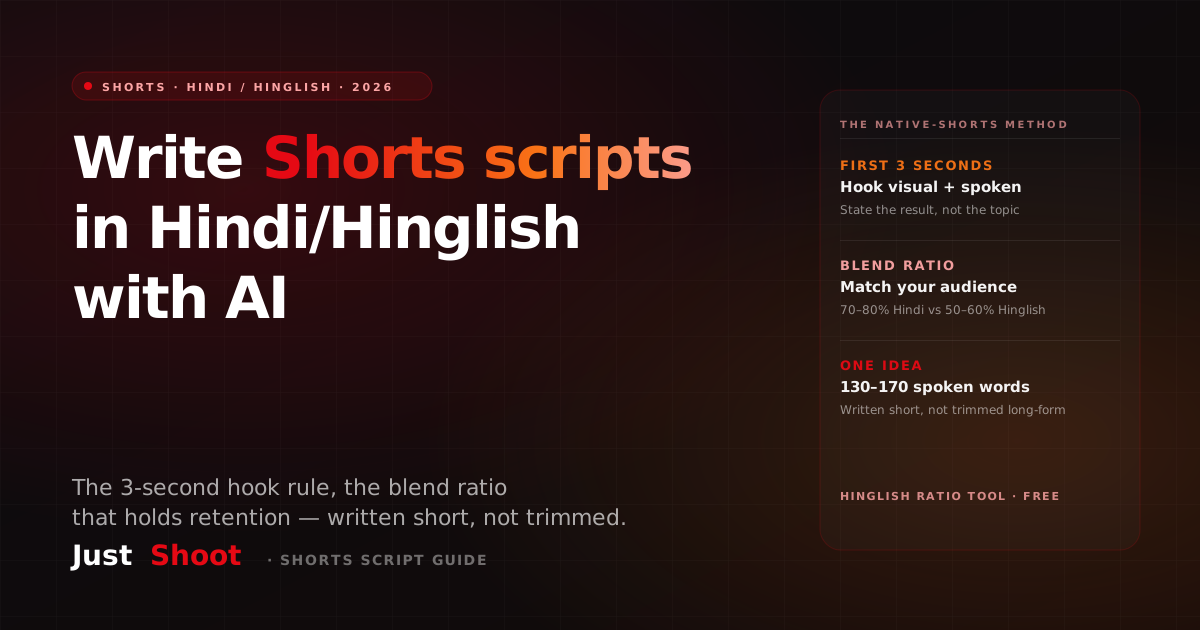
How to write YouTube Shorts scripts in Hindi and Hinglish with AI in 2026 — the 3-second hook rule, the blend ratio that holds retention, and why repurposed long-form scripts flop as Shorts.
YouTube Par Bina Face Ke Video Kaise Banaye 2026 (Full Guide)
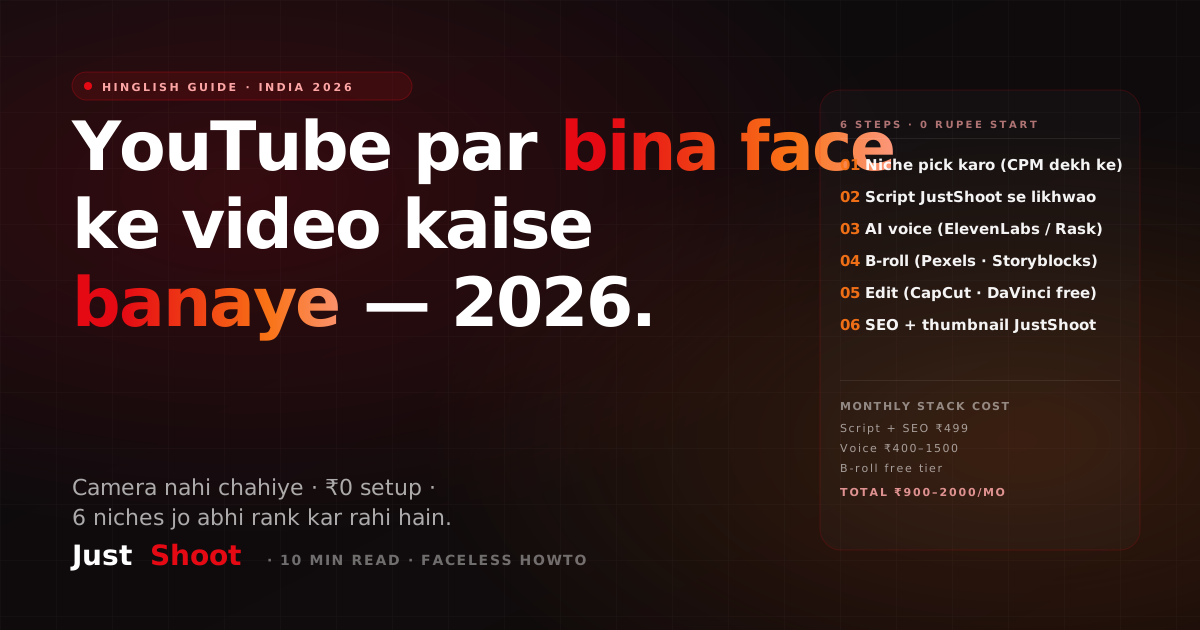
Bina face dikhaye YouTube video kaise banaye 2026 mein — AI script, voice clone, B-roll stack, aur 30-minute Hinglish workflow. Indian creators ke liye step-by-step.
YouTube Par Paise Kaise Kamaye 2026 — 8 Income Streams Indian Creators Ke Liye
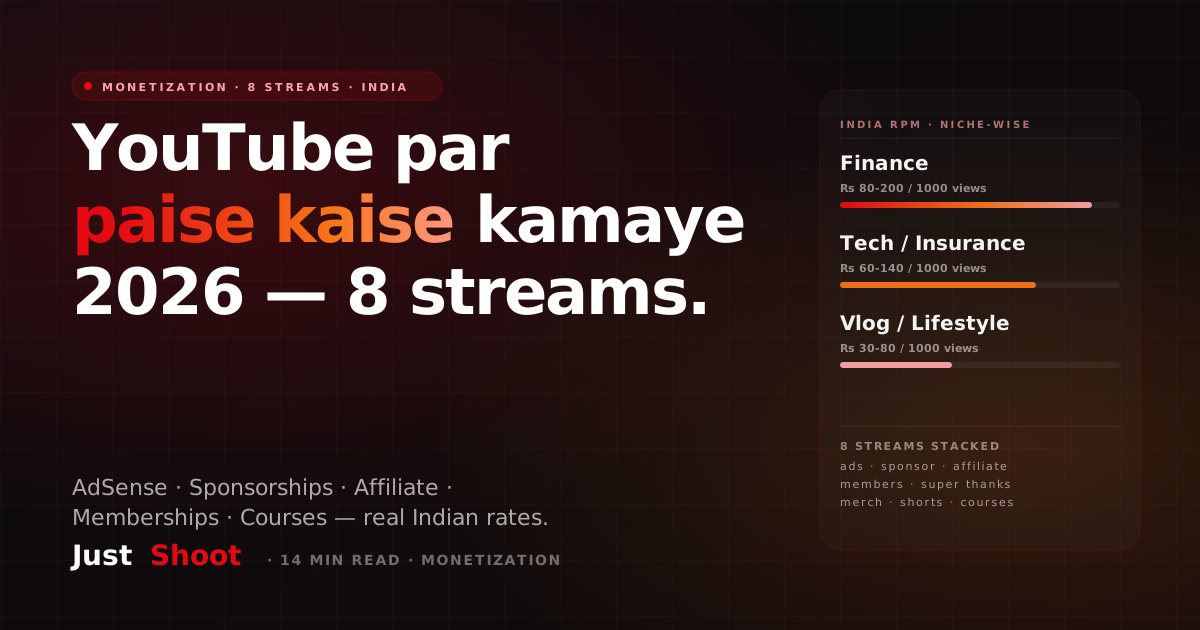
YouTube se paise kamane ke 8 tested tarike 2026 mein — AdSense, sponsorships, affiliate, channel memberships, merch. Real CPM/RPM India data, niche-wise breakdown.