AI YouTube Thumbnail Ideas From Your Script: The Alignment Workflow (India, 2026)
How to make AI YouTube thumbnails that match your script's hook, title, and promise — the alignment workflow Indian creators miss. 3 reusable prompts, 2026.
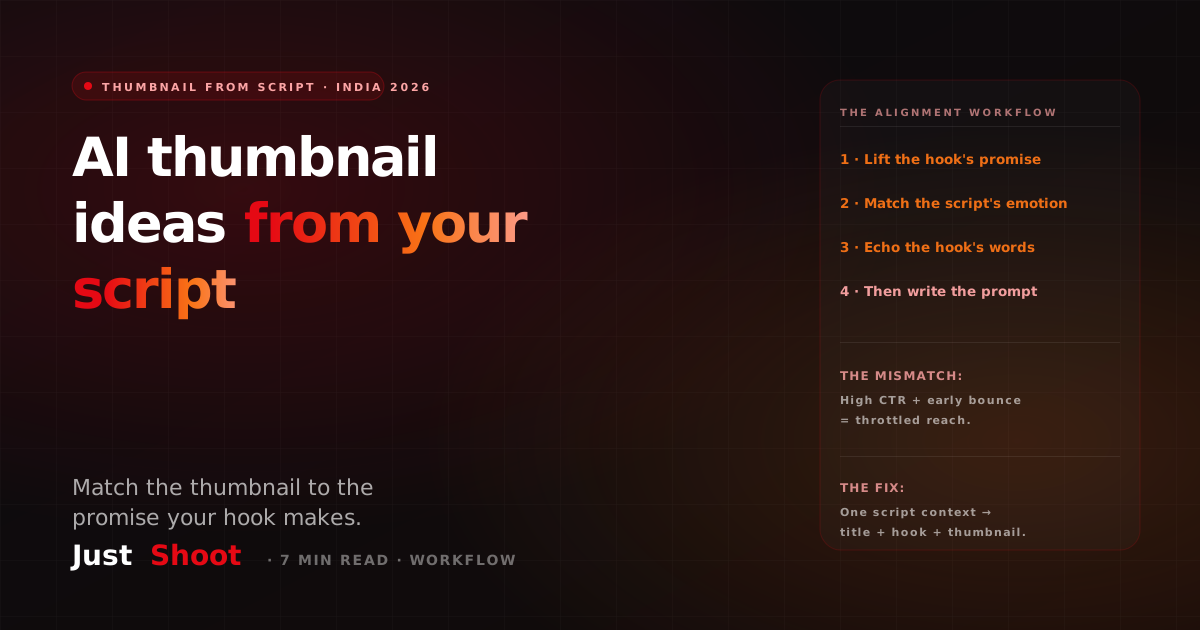
AI YouTube Thumbnail Ideas From Your Script: The Alignment Workflow (India, 2026)
By Ashok Sachdev, Founder of JustShoot · Published 22 June 2026 · Last reviewed 22 June 2026
Short answer: The best AI YouTube thumbnail isn't the prettiest one — it's the one that matches the promise your script makes in the first 15 seconds. When you generate a thumbnail from your finished script instead of brainstorming it in a separate tab, the face, the title, and the hook all point at the same payoff. That alignment is what stops the click-then-bounce that quietly kills retention for Indian channels.
If you searched for AI thumbnail ideas, you've probably already found a dozen prompt round-ups and Midjourney skeletons. They work — and I'll give you three reusable templates below. But there's a step almost every guide skips: deciding what the thumbnail should say before you decide how it should look. That decision lives in your script. I build a script tool for Indian creators, so weigh my framing accordingly; the prompts and the workflow are yours either way.
Why thumbnails drift from scripts (and why it costs you)
Here's the usual order of operations: you write the script, film it, edit it, and then — tired, on deadline — you open Canva or Midjourney and brainstorm a thumbnail from scratch. The thumbnail is now a separate creative act, disconnected from the words you actually recorded. So you reach for whatever "looks like a banger": a shocked face, a red arrow, a number.
The problem is that a thumbnail and a script are two halves of one promise. The viewer reads the thumbnail and title, forms an expectation, clicks, and then your first 15 seconds either pays that expectation off or breaks it. When the thumbnail promises drama your script never delivers, you get the worst metric on YouTube: a high click-through rate followed by a cliff in the first 30 seconds. The algorithm reads that bounce as "this video disappointed people" and throttles your reach — the exact opposite of what the clicky thumbnail was supposed to buy you.
For Indian creators this matters even more, because the thumbnail formulas that work on Indian SERPs lean on expressive faces and 3–5 words of Hindi/Hinglish text — which means the thumbnail is carrying language and emotion, not just an image. If those words drift from the words in your script's hook, the mismatch is glaring.
The alignment workflow: thumbnail FROM the script
The fix is an order swap. Don't generate the thumbnail last and standalone. Pull its brief straight out of the script you already wrote. Four steps:
1. Lift the single promise from your hook
Read your own first 15 seconds and write down, in one line, the promise it makes. Not the topic — the promise. "How to file ITR" is a topic. "File your ITR in 12 minutes without a CA" is a promise. The thumbnail sells the promise, never the topic.
2. Pick the emotion your script actually lands on
Your script has a dominant emotion — relief, shock, curiosity, anger at a scam, satisfaction of a reveal. The face in your thumbnail should match that emotion, not a generic shocked face. A calm finance explainer with a screaming thumbnail is a mismatch your audience feels in the first ten seconds.
3. Choose 2–4 thumbnail words that echo the hook's language
If your hook says "₹0 brokerage" in Hinglish, the thumbnail text should be "₹0 BROKERAGE" — same words, same blend. This is where most AI thumbnails break: the generator invents punchy English copy that doesn't match the actual line you said on camera. Pull the words from the script.
4. Only now write the image prompt
With the promise, the emotion, and the exact words decided, the visual prompt almost writes itself. You're no longer asking AI "make me a good thumbnail" — you're asking it to render a specific, script-derived brief.
This is also the difference between detached prompting and an in-package workflow. When you brainstorm thumbnails in a separate Midjourney tab, the tool has zero memory of your script. Inside a voice-locked content pipeline, the thumbnail concept is generated from the same script context — so the title, the hook, and the thumbnail are drawn from one source of truth instead of three guesses.
3 reusable AI thumbnail prompts (script-aligned)
Use these in Midjourney, Ideogram, or any image model. Each assumes you've done the four steps above, so the bracketed fields come straight from your script. (For 12 niche-specific Midjourney skeletons with CTR data, see the tested Midjourney prompt set.)
Prompt 1 — Face + promise (best for explainers and tutorials)
YouTube thumbnail, 16:9, Indian [niche] creator, [emotion from your
script]-face expression, looking at camera, high-contrast lighting,
saturated [color] background, bold space for 3-word text overlay on the
[left/right] third, sharp focus on face, mobile-legible at small size,
no text rendered. Style: clean, punchy, Indian-YouTube aesthetic.
Then add your script-derived words ("₹0 BROKERAGE") in your editor — render text yourself so it's pixel-crisp, not AI-mangled.
Prompt 2 — Before/after reveal (best for transformations and results)
YouTube thumbnail, 16:9, split composition, left side [before state from
your script], right side [after state], bold dividing line, expressive
Indian subject reacting to the result, high saturation, strong contrast,
clear empty zone for a short Hinglish caption, mobile-first legibility,
no text. Indian-YouTube high-CTR style.
Prompt 3 — Object + stakes (best for reviews, scams, news)
YouTube thumbnail, 16:9, hero shot of [the product/object/document from
your script] centered, dramatic rim lighting, [emotion]-reacting Indian
creator face in corner, red/yellow high-contrast palette, clean negative
space for a 2-word punch caption, crisp on a small phone screen, no text.
Save these. They'll cover most of your videos — and because each one starts from your script's promise, the thumbnail you generate already matches what the viewer hears when they click.
DIY prompt path vs the in-package path (honest comparison)
| Standalone AI tool (Midjourney/Canva) | Script-aligned in a pipeline (JustShoot) | |
|---|---|---|
| Where the brief comes from | You invent it, separate from the script | Lifted from the finished script |
| Title / hook / thumbnail alignment | Manual, easy to drift | Same context, stays consistent |
| Hinglish text match | You re-type, hope it matches | Echoes the script's actual words |
| Cost to start | Free–₹1,650/mo (image tools) | Starter ₹499/mo (full pipeline) |
| Best for | One-off thumbnails, design experiments | Weekly shippers who need every upload aligned |
The fair summary: a standalone image tool wins on raw visual flexibility and zero commitment; a pipeline wins the moment you care that the thumbnail, title, and first line all say the same thing — every single upload. JustShoot's 9-agent pipeline includes a thumbnail-concept agent (#06) that drafts the thumbnail brief from the same voice-locked script context that wrote your hook, so alignment is the default, not a chore.
One more honest note: aligned thumbnails are part of the same discipline that keeps your whole channel from looking AI-generated and templated. YouTube's 2026 inauthentic-content enforcement targets mass-produced, identical-looking output — a channel where every thumbnail and script clearly comes from one consistent human point of view is the safe side of that line.
Want to check if your scripts (and the thumbnails they imply) read as human? Paste your latest script into the free AI Script Robot Score — it flags the robotic patterns that signal "template channel," no signup needed.
FAQ
How do I make a YouTube thumbnail with AI in India? Decide the brief before the image. Lift the single promise from your script's hook, pick the emotion your script lands on, choose 2–4 thumbnail words that echo your hook's language (including Hinglish), then write the image prompt for Midjourney or Ideogram. Render the text yourself in an editor so it stays crisp — AI image models mangle text. Generating the thumbnail from the script keeps the click and the first 15 seconds aligned.
Why do my AI thumbnails get clicks but low retention? Almost always a promise mismatch. A thumbnail tuned for maximum clicks promises something your script doesn't deliver, so viewers click and bounce in the first 30 seconds. YouTube reads that bounce as disappointment and throttles reach. Building the thumbnail from your actual script — same promise, same emotion, same words — fixes the mismatch.
What's the best AI tool for YouTube thumbnails for Indian creators? For raw image generation, Midjourney and Ideogram both produce Indian-YouTube-style output with the right prompts. The gap they share is memory: they don't know your script. A pipeline tool like JustShoot generates the thumbnail concept from the same context as your script, so the title, hook, and thumbnail stay aligned across every video — useful once you ship weekly.
Should the thumbnail text be in Hindi, Hinglish, or English? Match the words to your script's hook and your audience. Tier-2/3 niches often perform better with Devanagari or romanized Hinglish; Tier-1 audiences accept English. The rule isn't a language — it's consistency: the words on the thumbnail should be the words you actually say in your opening line.
Can AI generate the thumbnail and the script together? Yes — that's the point of an AI Content OS. Instead of writing the script in one tool and brainstorming the thumbnail in another, a single pipeline holds one voice-locked context and produces the script, the title, and the thumbnail brief from it, so all three carry the same promise.
Written by Ashok Sachdev, Founder of JustShoot — the 9-agent AI Content OS that writes YouTube scripts in your own voice for Indian creators.
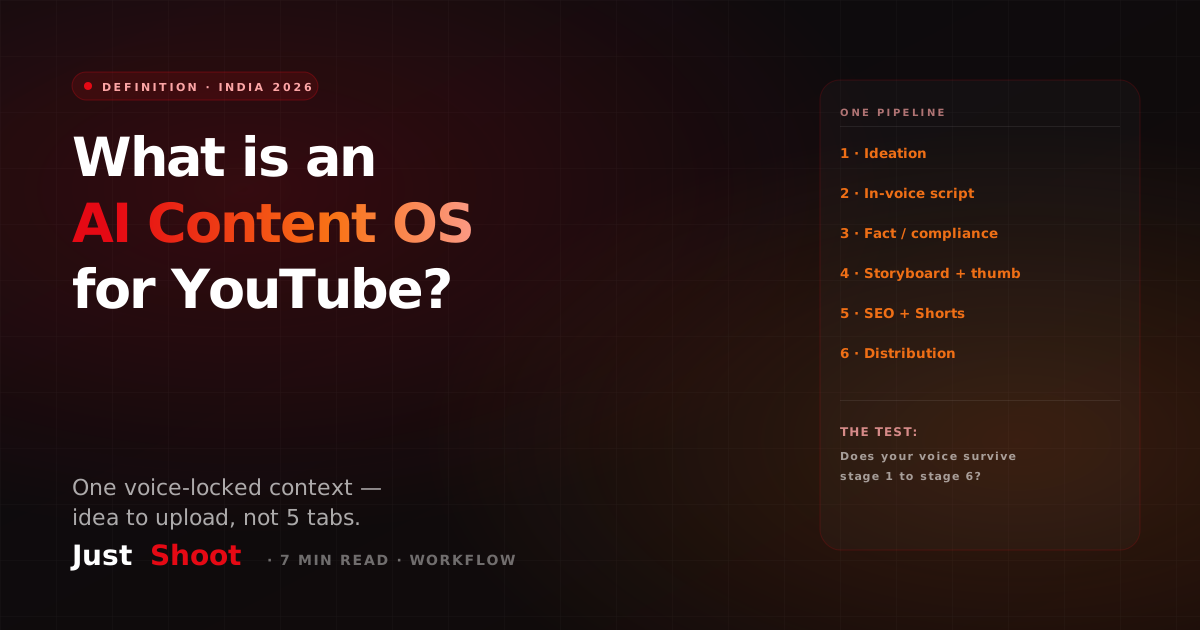
What Is an AI Content OS for YouTube? (And Why Indian Creators Are Switching in 2026)
An AI Content OS for YouTube is one system that runs ideation to distribution in a single voice-locked context. Here's what it actually means and why Indian creators are switching in 2026.
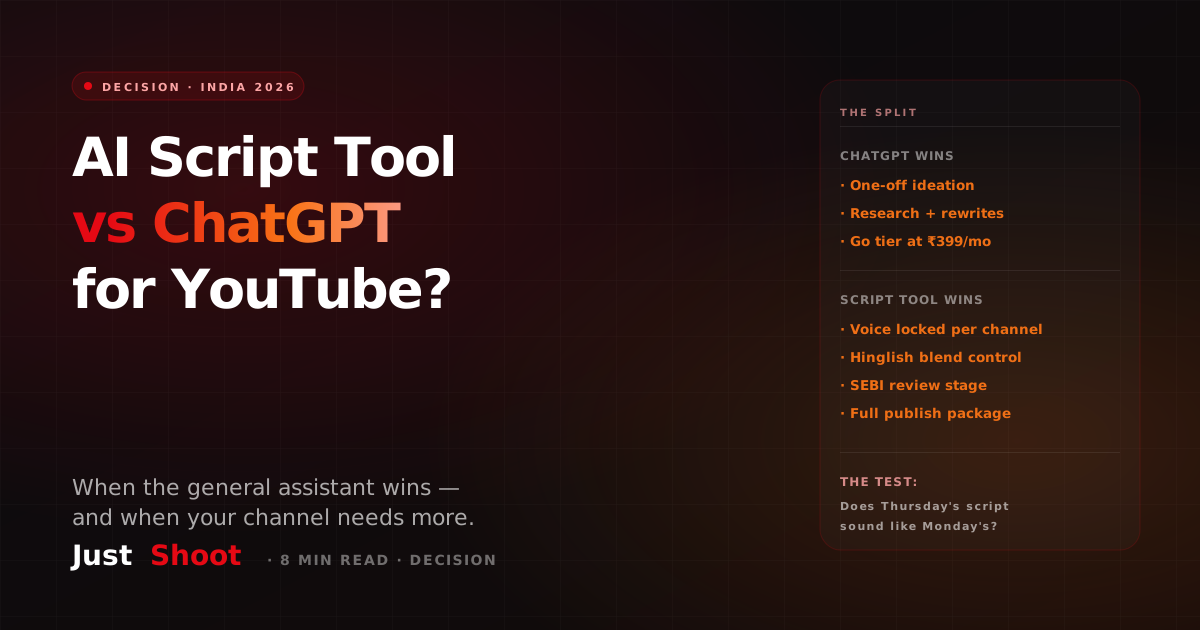
AI Script Tool vs ChatGPT for YouTube: Which Should Indian Creators Use? (2026)
ChatGPT vs a purpose-built AI script tool for YouTube: an honest 2026 decision guide for Indian creators on voice, Hinglish control, SEBI review and cost.
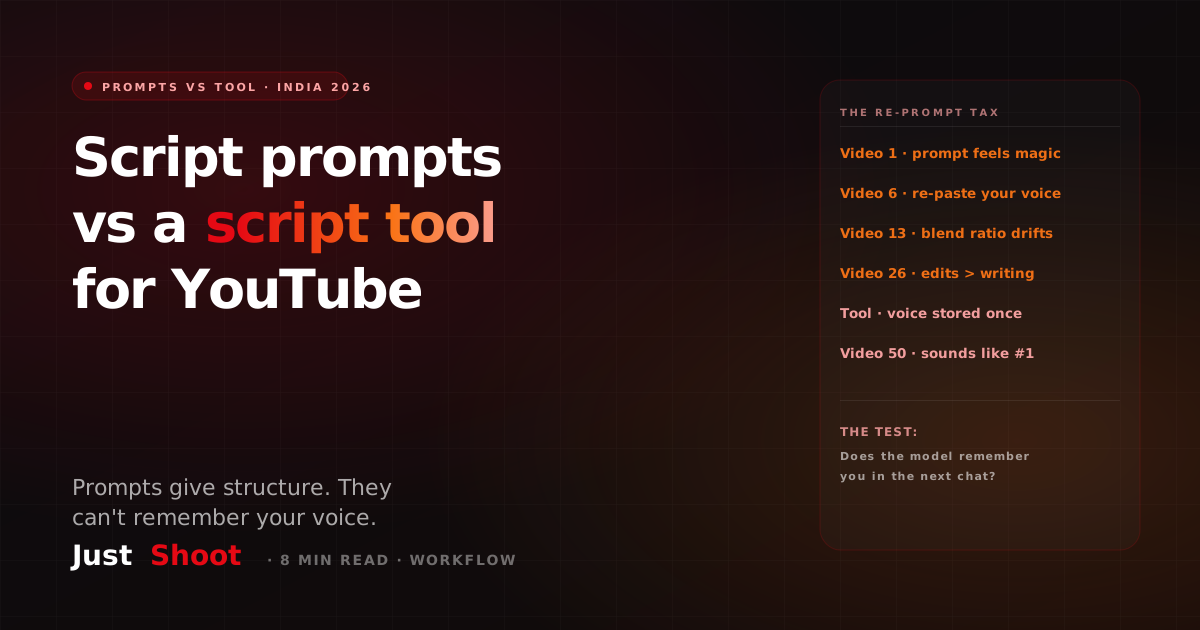
AI YouTube Script Prompts vs a Script Tool: Why Copy-Paste Prompts Stop Working (India, 2026)
Three honest AI prompts for YouTube scripts — plus the exact point where copy-paste prompting stops scaling and a voice-locked script tool wins. India, 2026.