Turn Your YouTube Script Into a Shot List & B-Roll Plan (India, 2026)
The pre-production step nobody scripts: convert a finished YouTube script into a shot list and B-roll plan before you shoot — a worked example, the [line / B-roll / on-screen text] table, and how AI does it.
Turn Your YouTube Script Into a Shot List & B-Roll Plan (India, 2026)
By Ashok Sachdev, Founder of JustShoot · Published 2026-06-26
Short answer: A shot list is a line-by-line plan that maps each part of your script to what the camera shows — your A-cam (talking-head) takes, the B-roll cues that cover them, and any on-screen text. Build it before you shoot by reading your finished script paragraph by paragraph and writing, for each beat, what the viewer should see while you say it. Doing this in pre-production turns vague "I'll figure out the visuals in editing" into a concrete capture list — which is the single biggest defence against a reshoot. The fastest way is to generate it directly from the script so every spoken line already has a visual attached.
I build an AI scripting tool for Indian creators, and the gap I see most often isn't a weak script — it's a strong script that was never turned into a plan for what to point the camera at. The writing gets all the attention; the bridge from words to footage gets none. That bridge is the shot list.
Why you should build the shot list from the script, not in the edit
Most solo creators write a script, shoot a talking-head take of the whole thing, then sit in the edit timeline wishing they had B-roll to cut to. By then it's too late — the footage you needed doesn't exist, so you either pad with stock that doesn't match or you reshoot. Both cost a day you didn't budget.
Planning visuals from the script flips that. When you read the script knowing you have to assign a shot to every beat, three things happen: you spot the boring stretches that need a visual to survive, you build a tidy list of B-roll to capture in one session, and you walk into the shoot knowing exactly what you need instead of discovering gaps in post. This is the same "decide before you shoot" logic behind planning your Shorts before filming rather than clipping them out afterwards.
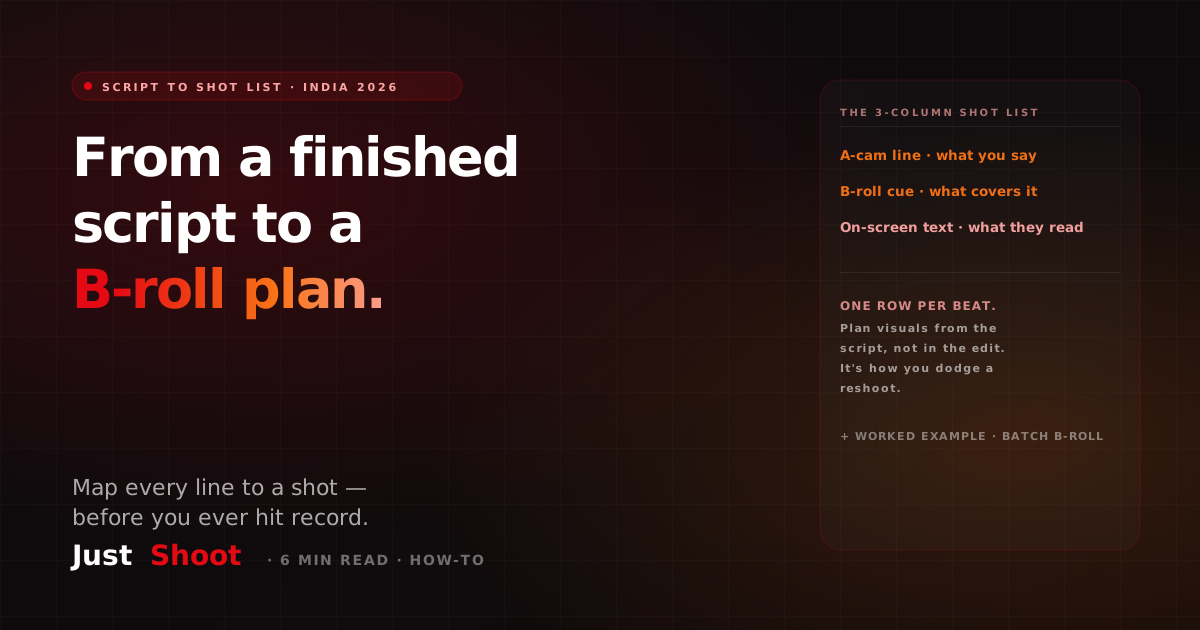
The shot-list format: three columns
Keep it simple. Every row maps a chunk of script to what the audience sees:
| A-cam line (what you say) | B-roll / visual cue | On-screen text |
|---|---|---|
| The spoken sentence or beat | What covers it: screen recording, product shot, stock, graphic | Any words/lower-thirds on screen |
That's the whole system. One row per meaningful beat — roughly one row per 1-3 sentences of script. You're not storyboarding every frame; you're deciding, beat by beat, whether the viewer watches your face or something more interesting.
A worked example: one script paragraph → three rows
Take this script paragraph from a hypothetical gadget channel:
"So the battery is the headline here. JustShoot's claim is two days of real use — and after a week of testing, I actually got close. By day two it was at 18%, which for a phone this thin is genuinely impressive. The catch? Fast charging is capped at 25 watts, so topping up takes its time."
Here's the same paragraph as a shot list:
| A-cam line | B-roll / visual cue | On-screen text |
|---|---|---|
| "So the battery is the headline here..." | Close-up of the phone, slow pan | "BATTERY: the headline" |
| "...two days of real use — after a week I got close." | Screen recording of the battery stats screen at 18% | "Day 2 → 18% remaining" |
| "The catch? Fast charging is capped at 25 watts..." | Product shot of the charger plugged in, timer overlay | "⚡ 25W cap" |
Notice what the exercise forced: a screen recording you have to capture deliberately, a charger shot you'd otherwise forget, and three on-screen text cues that reinforce the spoken numbers. None of that gets remembered if you only plan it in the edit.
How to read a script for shot-list cues
A few patterns make assigning visuals fast:
- Any number, stat, or comparison → on-screen text. The eye believes what it reads alongside what it hears.
- Any object or product you name → a B-roll shot of that object. If you say it, show it.
- A process or "how-to" step → a screen recording or over-the-shoulder shot.
- An emotional or opinion beat → stay on your face (A-cam). Reactions land better on a person than on stock.
- A boring-but-necessary explanation → the highest-priority B-roll, because that's where viewers drop off if they're just staring at a talking head.
The retention logic here is the same one behind a strong opening hook: give the eye a reason to keep watching, not just the ear.
Batch your B-roll capture from the list
Once the shot list exists, collapse the B-roll column into a single shopping list of shots and capture them all in one session — not scattered across the talking-head take. Shooting all your product shots, screen recordings, and cutaways back-to-back is far faster than setting up and tearing down per scene. This is the visual equivalent of batch-scripting a month of content in one sitting: group like work, do it once.
For a faceless channel, the shot list matters even more — there's no A-cam to fall back on, so every row is a B-roll or graphic decision, and a script-driven plan is the only thing stopping it from becoming a generic AI slideshow.
Where JustShoot fits
Inside JustShoot's 9-agent pipeline, the storyboard agent reads your finished script and generates a shot-by-shot visual plan automatically — A-cam beats, B-roll cues, and on-screen text suggestions mapped to each line — so the bridge from words to footage is built for you, not improvised in the edit. Because the script was written in your locked Tone Fingerprint first, the visual plan stays aligned with the actual emphasis of what you're saying.
JustShoot starts at Trial ₹0 (7 days, 2 scripts, no card), then Starter ₹499/mo (3 scripts), Creator ₹999/mo (4 scripts, most popular), and Studio is custom. Every plan runs the full pipeline.
Want to check your script reads like you before you turn it into shots? Run it through the JustShoot Robot Score tool.
FAQ
What is a shot list for a YouTube video? A shot list is a line-by-line plan that maps each beat of your script to what the camera shows — your talking-head (A-cam) takes, the B-roll that covers them, and any on-screen text. It's built in pre-production so you know exactly what to capture before you shoot.
How do I turn a script into a shot list? Read the script paragraph by paragraph and, for each beat, write three things: the spoken line, the visual that should cover it (B-roll, screen recording, product shot), and any on-screen text. One row per 1-3 sentences. Then collapse the visual column into a single B-roll capture list.
What is B-roll and why plan it from the script? B-roll is supplementary footage you cut to over your narration — product shots, screen recordings, cutaways. Planning it from the script means you capture the right footage during the shoot instead of discovering missing visuals in the edit, which is the main cause of reshoots.
Can AI generate a shot list from my YouTube script? Yes. A storyboard tool can read a finished script and output a shot-by-shot plan — A-cam beats, B-roll cues, and on-screen text — mapped to each line, so you walk into the shoot with a concrete capture list rather than improvising visuals.
How detailed should a shot list be? Detailed enough to capture everything, not frame-by-frame. Aim for one row per meaningful beat (roughly one per 1-3 sentences of script). The goal is a complete B-roll capture list and a clear A-cam-vs-cutaway decision for each section, not a Hollywood storyboard.
Ashok Sachdev is the founder of JustShoot, an AI content OS that writes YouTube scripts in your own voice for Indian creators. Connect on LinkedIn.
How to Write a YouTube Channel Trailer Script That Converts Visitors (India, 2026)
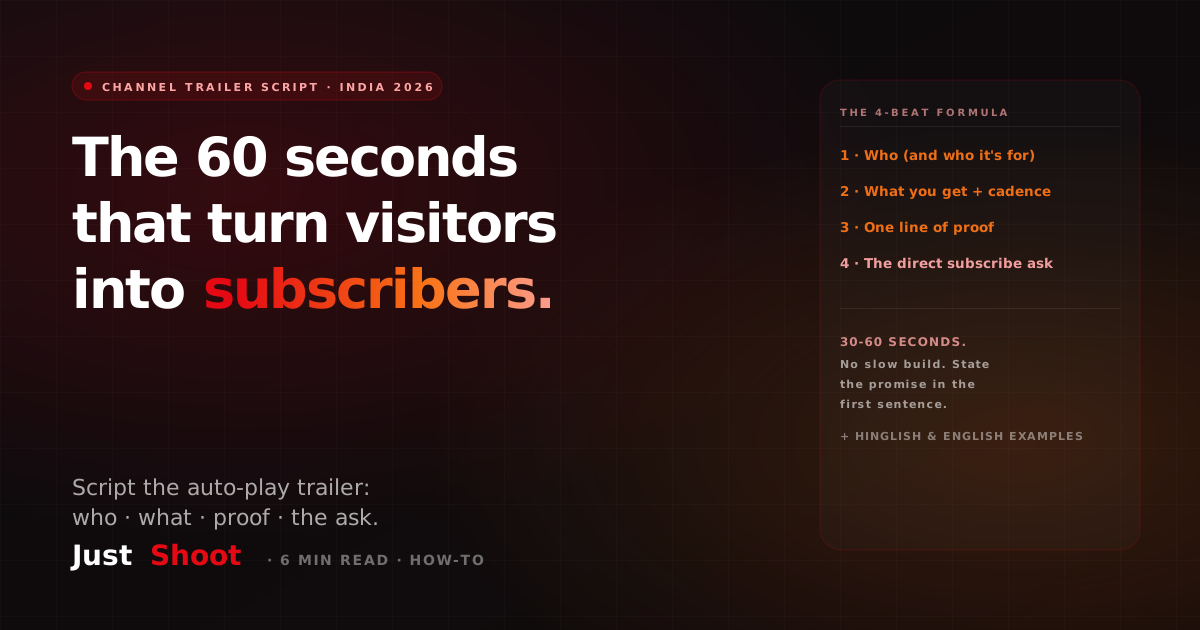
Write a 30-60 second YouTube channel trailer script that turns first-time visitors into subscribers — the 4-beat formula, why it differs from a video script, and Hinglish + English examples.
How to Script YouTube CTAs & End Screens That Convert (India, 2026)
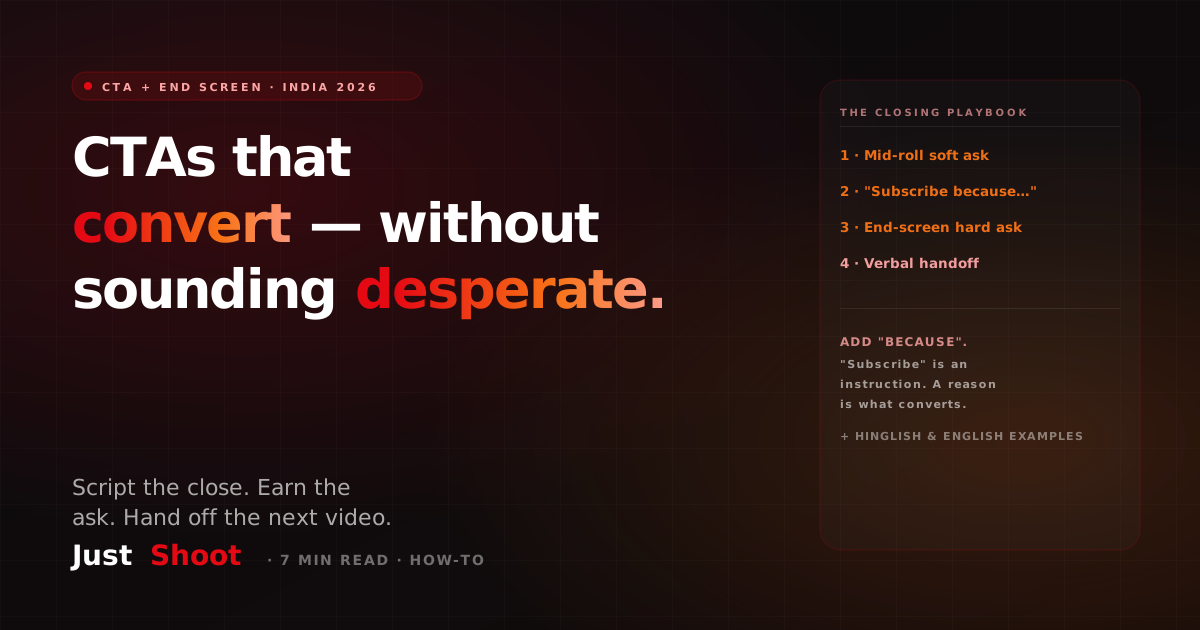
Script YouTube calls-to-action that convert without sounding desperate — mid-roll vs end-screen placement, the value-tied subscribe ask, and the watch-time tradeoff, with Hinglish examples.
How to Write a YouTube Hook: The First 30 Seconds (India, 2026)
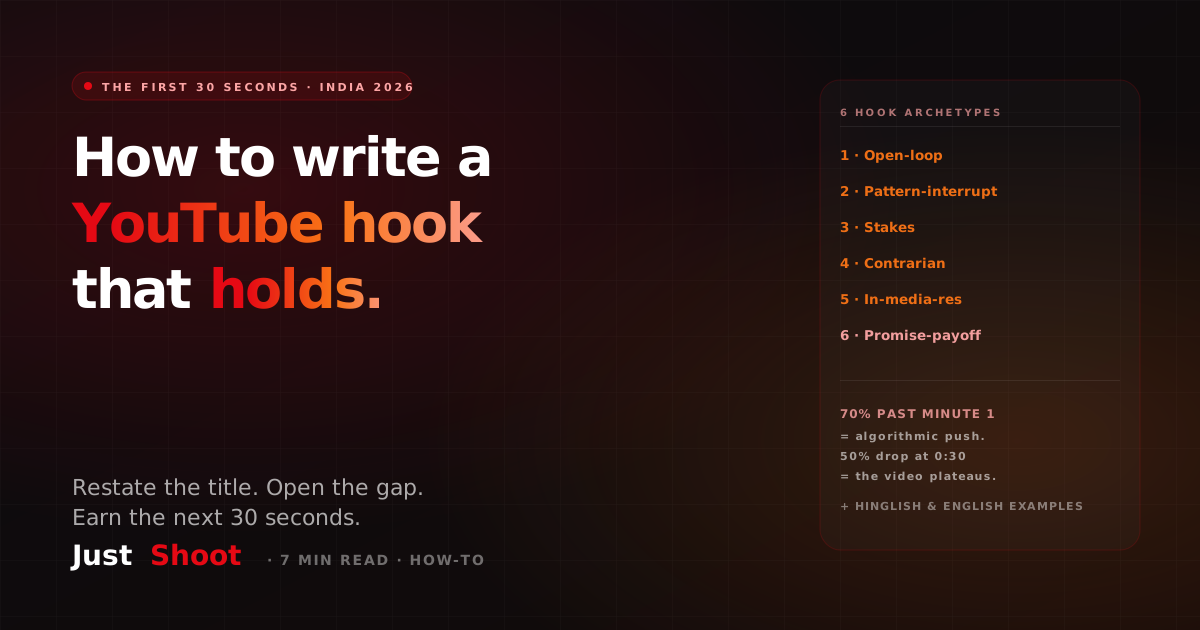
Write a YouTube hook that holds viewers past the first 30 seconds — 6 hook archetypes, the restate-the-title rule, and curiosity-gap calibration, with Hinglish examples.