How to A/B Test YouTube Titles, Thumbnails & Script Hooks (India, 2026)
A practical A/B testing workflow for Indian creators — use YouTube's native Test & Compare for thumbnails, test titles one variable at a time, and read the 30-second retention cliff to A/B test your script hooks.
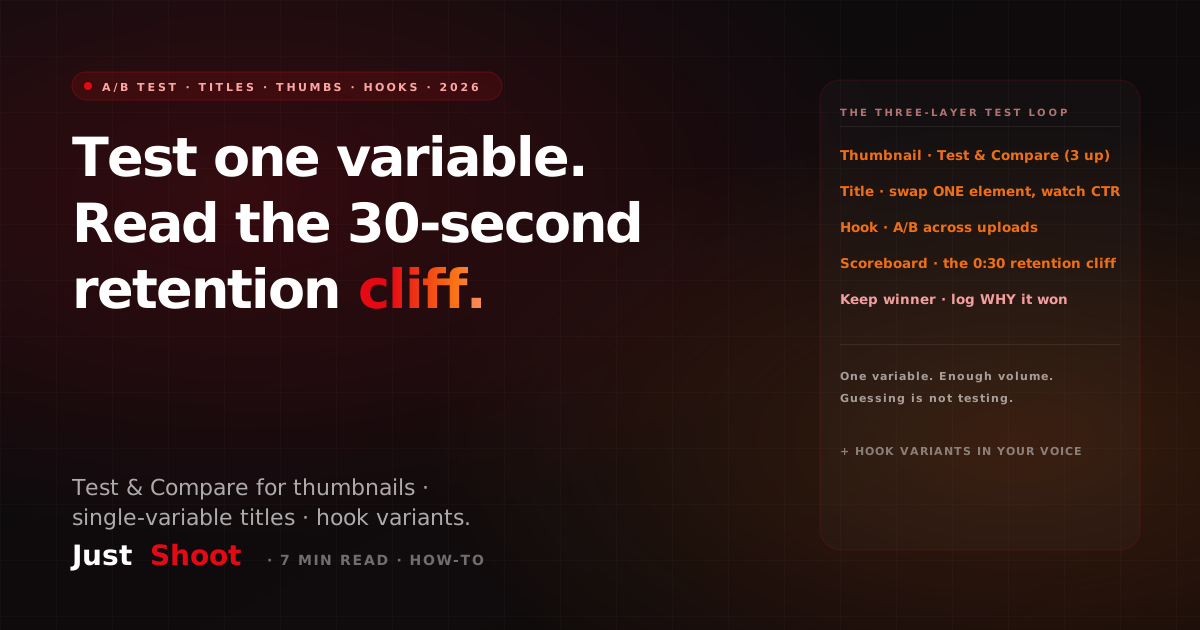
How to A/B Test YouTube Titles, Thumbnails & Script Hooks (India, 2026)
By Ashok Sachdev, Founder of JustShoot · Published 2026-06-29
Short answer: Test one variable at a time. Use YouTube's native Test & Compare to A/B (or A/B/C) up to three thumbnails per video and let it pick the winner on watch-time share. Test titles by swapping a single element — the promise, the number, or the hook word — and watching impressions click-through rate (CTR) over a few days. And test the one thing most creators never think to test: your script hook, which you read off the 30-second retention cliff in your analytics. Change one variable, give it enough impressions to mean something, keep the winner, and move on. Guessing is not testing.
I build an AI scripting tool for Indian creators, and the single biggest waste I see is creators redesigning everything at once after a flop — new title, new thumbnail, new intro — then having no idea which change actually helped. A/B testing is just the discipline of changing one thing so the data can tell you something. Here's the workflow that works on Indian YouTube in 2026.
The one rule that makes testing actually work
Change one variable per test. If you swap the thumbnail and the title and the hook on the same video, and views go up, you've learned nothing — you can't attribute the lift. Real testing is boring on purpose: hold everything constant except the single element you're measuring. The payoff is that over a few months you build a private playbook of what your audience clicks and stays for, instead of copying generic "viral" advice that was tuned for someone else's channel.
The second rule: give every test enough volume. A thumbnail that "wins" on 200 impressions hasn't won anything — that's noise. Wait for a few thousand impressions before you trust a CTR difference, and for retention tests, wait for a few hundred views past the section you're measuring.
Testing thumbnails: use Test & Compare
YouTube's built-in Test & Compare (rolled out to most channels through 2025) is the cleanest A/B tool you have. You upload up to three thumbnails for the same video and YouTube serves them in rotation, then declares a winner based on watch-time share — not just raw clicks. That last detail matters: it rewards the thumbnail that brings viewers who actually stay, not the clickbait that gets a click and an instant bounce.
How to run it well:
- Test genuinely different ideas, not tiny tweaks. Three near-identical thumbnails teach you nothing. Test a face-vs-no-face, a text-vs-no-text, or a different emotional expression — real hypotheses. If you're short on distinct concepts to pit against each other, our thumbnail ideas for Indian channels gives you a stack of formats to test.
- Let it run the full cycle. Don't kill a test at 12 hours because one is ahead. Watch-time share needs days, not hours.
- Write down why the winner won. "Close-up shocked face beat the wide product shot" is a reusable lesson; "thumbnail B won" is not.
Testing titles: swap one element at a time
Titles don't have a native A/B rotator the way thumbnails do, so you test them sequentially or by watching impressions CTR after a publish-time swap. The trick is to change exactly one element:
- The promise: "How to edit faster" vs "Edit a video in 10 minutes" — concrete number vs vague benefit.
- The hook word: "Mistakes" vs "Why your videos flop" — neutral vs loss-framed.
- The format signal: a "(2026)" or "[Hindi]" tag vs none, to see if recency/language framing lifts your audience's clicks.
Publish, then watch the impressions CTR in YouTube Studio over three to five days. If a title is genuinely underperforming its thumbnail (high impressions, low CTR), that's your signal to swap the title only and re-measure. Many of the title patterns worth testing come straight from your hook formulas — the same curiosity-gap and loss-framing levers that work in the first line of a script work in a title.
The overlooked one: A/B testing your script hook
Here's the test almost nobody runs, and it's the highest-leverage of the three. Your thumbnail and title win the click; your script hook wins the stay. And you can read exactly how well your hook works from the audience retention graph: look at the first 30 seconds. A steep cliff in the opening seconds means viewers clicked, watched your intro, and left — a hook problem, not a topic problem.
You A/B test hooks across videos. Try a different opening pattern on each upload and compare the 30-second retention number:
- Cold-open vs context-first: drop straight into the payoff vs set up who you are.
- Question hook vs bold-claim hook: "Kya aapne kabhi socha...?" vs "Ye 3 cheezein aapka channel ruin kar rahi hain."
- Promise-the-payoff vs tease-the-payoff: tell them what they'll get vs make them stay to find out.
The retention cliff at 0:30 is your scoreboard. Whichever hook style holds the most viewers past the 30-second mark is the one your audience responds to — bake it into your default opening. This is why hook variants are worth generating before you shoot: you can't test a hook you didn't write. (For the anatomy of a strong opening itself, see the first-30-seconds hook breakdown.)
How to read your retention graph for hook tests
The retention graph gives you three signals that matter for hook testing:
- The 0:00–0:30 slope. A gentle decline is healthy; a vertical drop is a broken hook. Compare this number across your last few uploads to see which hook style holds best.
- Re-watch spikes in the opening — these mean something in your hook made people rewind, a strong sign it landed.
- The "intro skip" dip — if there's a small drop right where your branded intro plays, your intro is costing you viewers; test cutting it or shortening it to two seconds.
Read these the same way each upload, log the numbers next to the hook style you used, and within a handful of videos you'll know your channel's best-performing opening — backed by data, not vibes.
Common A/B testing mistakes
- Changing multiple variables at once — you lose all attribution.
- Calling a winner too early — a few hundred impressions is noise, not a result.
- Testing tiny tweaks — two near-identical thumbnails teach nothing; test real hypotheses.
- Never testing the hook — most creators only test the click (title/thumbnail) and ignore the stay (hook), which is where retention is actually won.
- Not logging why — a winner you can't explain isn't a reusable lesson.
Where JustShoot fits
Testing a hook means having hooks to test. Inside JustShoot's 9-agent pipeline, the script agent drafts multiple hook variants for the same video in your own voice — a question open, a bold-claim open, a cold-open — so you have real A/B options to try across uploads instead of one hook you're stuck with. Because every variant is written in your locked channel voice, you're testing opening style, not testing whether the script sounds like you — that stays constant. Pair that with Test & Compare for thumbnails and single-variable title swaps, and you've got a clean three-layer testing loop: thumbnail and title for the click, hook for the stay.
JustShoot starts at Trial ₹0 (7 days, 2 scripts, no card), then Starter ₹499/mo (3 scripts), Creator ₹999/mo (4 scripts, most popular), and Studio is custom. Every plan runs the full pipeline.
Want to check your hook variants actually sound like you before you test them on camera? Run a draft through the JustShoot Robot Score tool.
FAQ
How do I A/B test thumbnails on YouTube? Use YouTube's native Test & Compare feature in YouTube Studio. Upload up to three thumbnails for the same video; YouTube rotates them and picks a winner based on watch-time share, which rewards thumbnails that bring viewers who stay rather than just click. Test genuinely different ideas, and let the test run its full multi-day cycle before trusting the result.
Can you A/B test YouTube titles? There's no native title rotator like Test & Compare for thumbnails, so test titles sequentially: change exactly one element (the promise, a number, the hook word, or a format tag), publish, and watch impressions CTR in YouTube Studio over three to five days. Changing one variable at a time is what lets the data tell you which change worked.
How do I test my YouTube script hook? Test hooks across uploads and read the result off your audience retention graph at the 30-second mark. Try a different opening pattern each video — question hook, bold-claim hook, cold-open — and keep the style that holds the most viewers past 0:30. The retention cliff in the first 30 seconds is your scoreboard for hook performance.
How many impressions do I need before an A/B test is reliable? Wait for at least a few thousand impressions before trusting a thumbnail or title CTR difference, and a few hundred views past the section you're measuring for retention tests. A result on a couple hundred impressions is noise, not a winner — calling it early is the most common testing mistake.
Should I change my title and thumbnail at the same time? No — change one at a time. If you swap both and views move, you can't tell which change caused it. Single-variable testing is slower but it's the only way to build a reliable, reusable playbook of what your specific audience responds to.
Ashok Sachdev is the founder of JustShoot, an AI content OS that writes YouTube scripts in your own voice for Indian creators. Connect on LinkedIn.
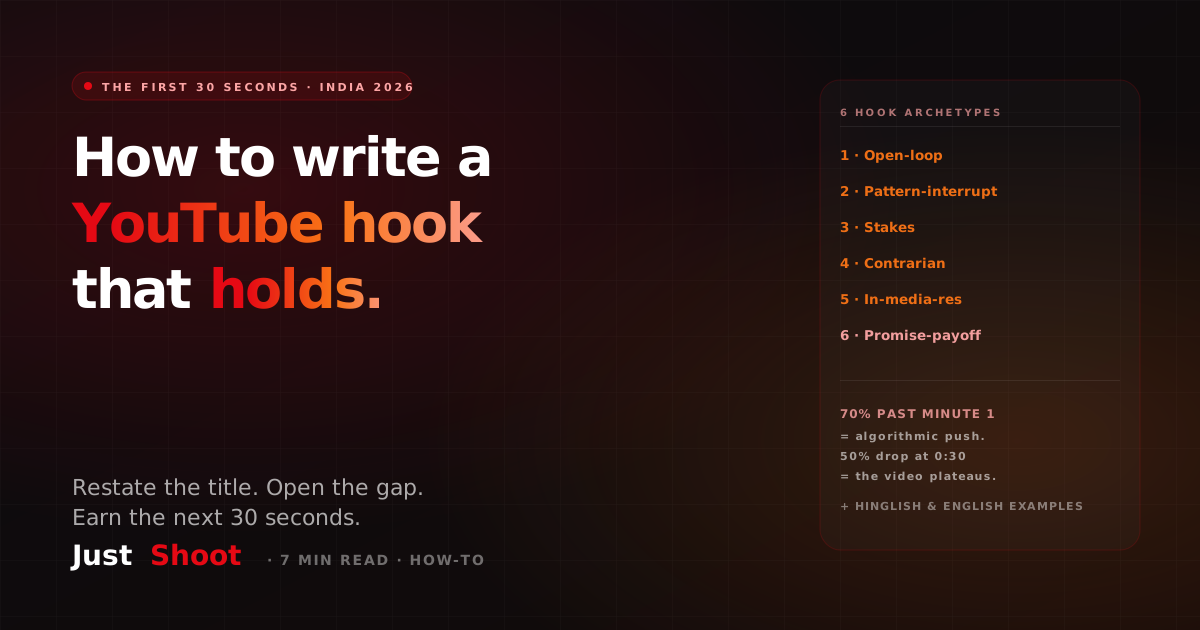
How to Write a YouTube Hook: The First 30 Seconds (India, 2026)
Write a YouTube hook that holds viewers past the first 30 seconds — 6 hook archetypes, the restate-the-title rule, and curiosity-gap calibration, with Hinglish examples.
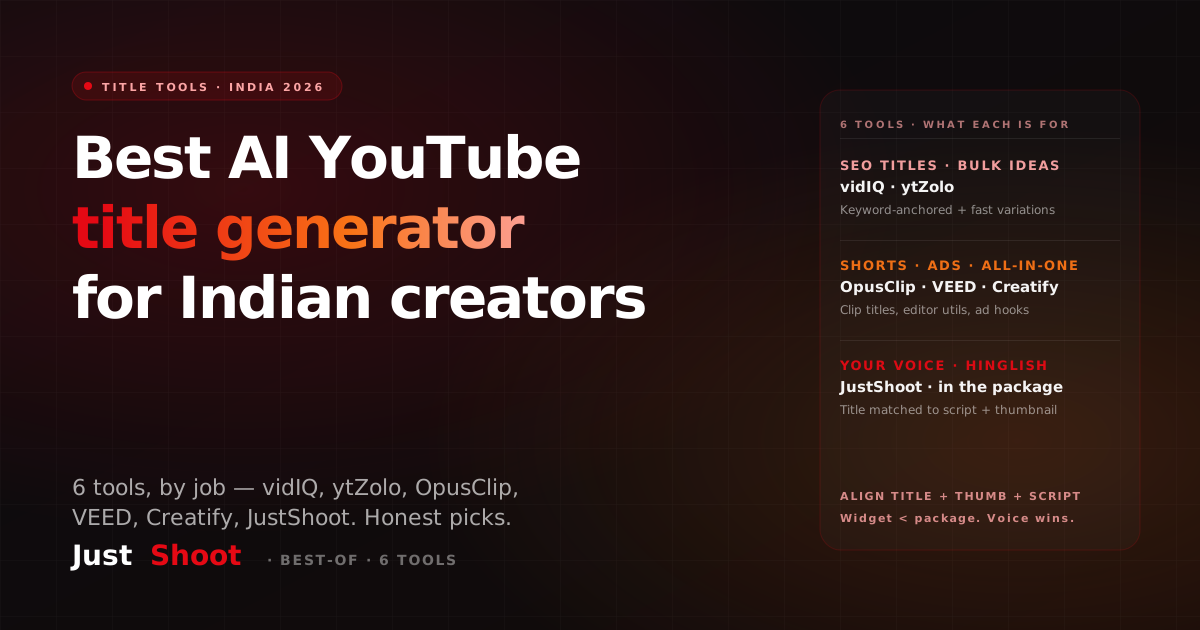
Best AI YouTube Title Generator for Indian Creators (2026)
The best AI YouTube title generators for Indian creators in 2026 — honest picks for vidIQ, ytZolo, OpusClip, VEED, Creatify & JustShoot, with what each is genuinely good at.
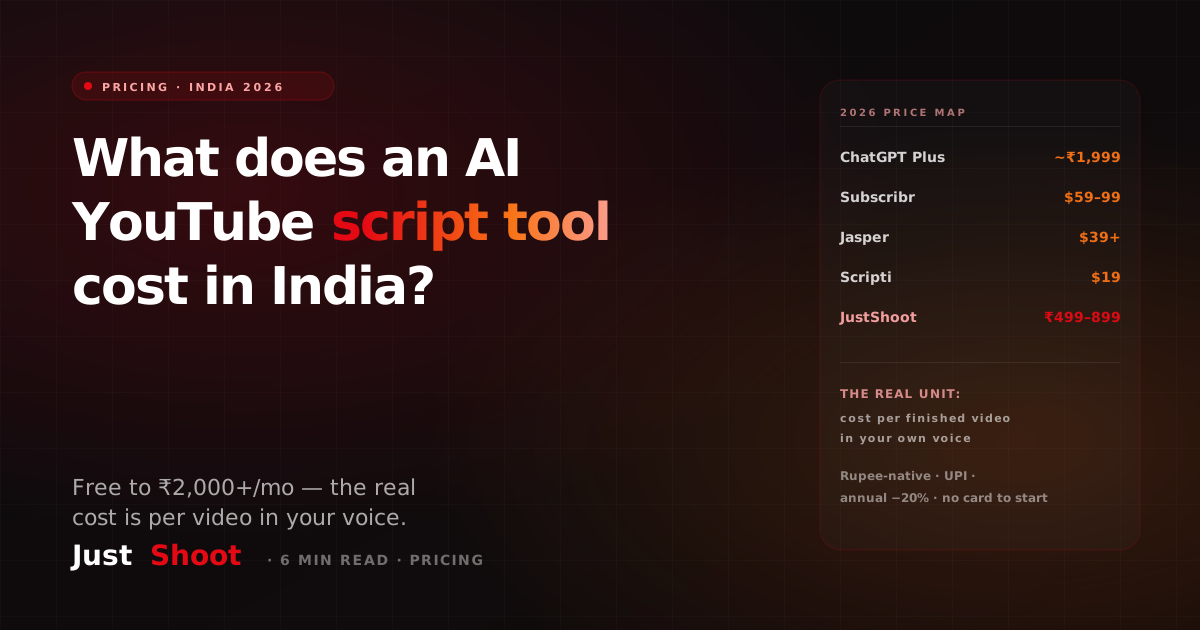
How Much Does an AI YouTube Script Tool Cost in India? (2026 Pricing)
AI YouTube script tools in India range from free to ₹2,000+/month. Here's the real 2026 cost breakdown — global USD tools vs India-priced plans — and the per-video math that decides what's worth it.